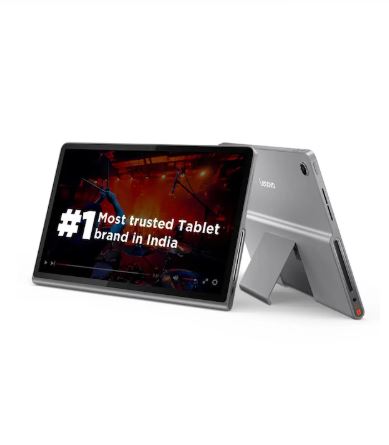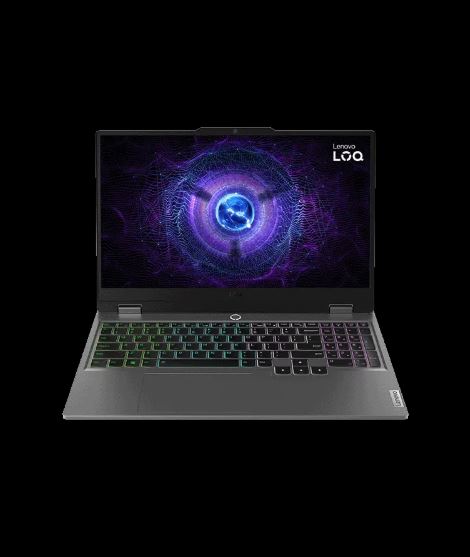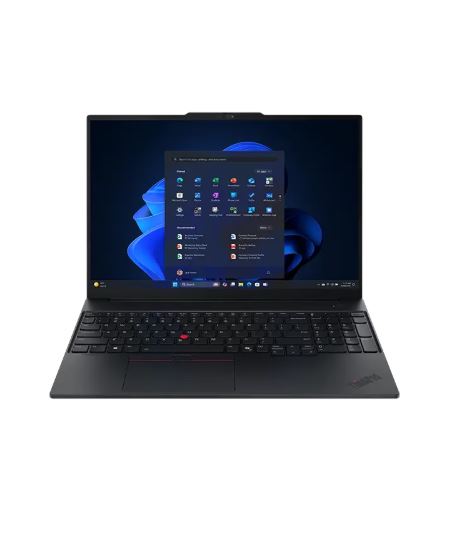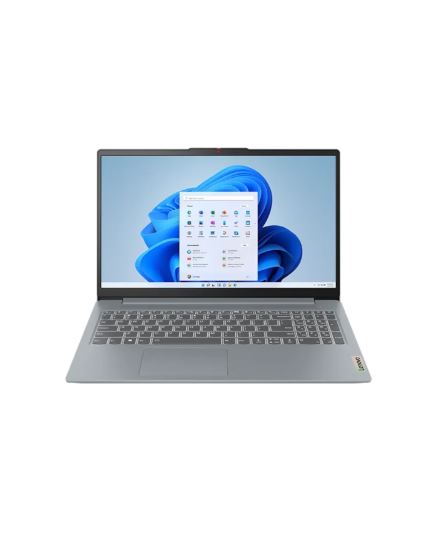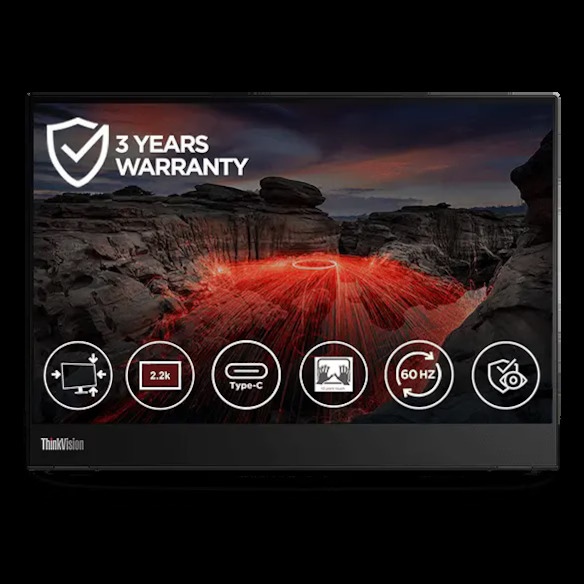

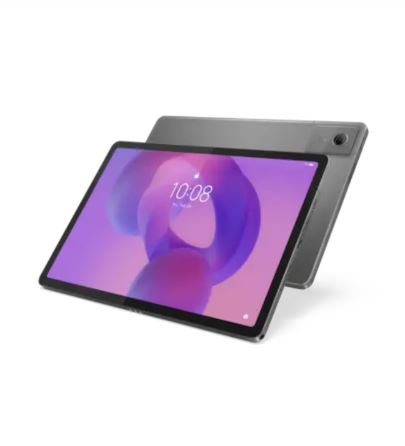
Lenovo Idea Tab
Lenovo price
₹29,999
+ Upto 5% Cashback
 L
Compare Lenovo India prices for laptops, desktops, tablets, monitors, gaming PCs, accessories and certified refurbished devices with cashback tracking.
Lenovo's price, checked against other stores.
Upto 5% Cashback · tracks in 30 Minues · confirms in 60 Days · missing claims accepted
Paste link → share → earn. Leave it empty to share the Lenovo store page.
Lenovo India serves home users, students, gamers, creators and business buyers with personal computing hardware and related technology. Its catalogue includes ThinkPad business laptops, IdeaPad and Yoga laptops, Legion and LOQ gaming systems, desktops, tablets, workstations, monitors, accessories and software. The site also lists Lenovo Certified Refurbished devices, giving shoppers a separate route to compare pre-owned-condition stock with new configurations.
Product family names alone are not enough for a useful Lenovo price comparison. Match the selected processor, graphics, memory, storage, display size and panel specification on laptops and desktops. Gaming systems also need a close check of the GPU, refresh rate and cooling-related configuration. For monitors, compare resolution, panel type, refresh rate and connection options. Accessories such as docks, chargers, keyboards and mice should be checked for compatibility with the specific Lenovo device you plan to use.
Lenovo cashback can apply when PriceDecode records an eligible purchase after you use the click-through from this page. Cashback eligibility depends on the order being tracked correctly under the store's current conditions. Refer to the tracking and confirmation times displayed on this page for the current status information. Cashback is separate from the product price shown on Lenovo's site, so it should not be treated as a reduction in the listed or checkout price.
Before ordering, review the exact configuration selected on the Lenovo product page rather than relying on a series name or product image. Confirm the model code where shown, included hardware, operating system and any selected upgrades. For certified refurbished devices, distinguish them clearly from new stock. Finish by checking the final checkout price against the configuration in your basket, especially when comparing several versions of the same laptop, desktop or monitor.
Compare Lenovo prices on PriceDecode by matching the exact SKU and configuration listed on Lenovo's product page. Look at CPU, GPU, RAM, storage, screen panel and any bundled accessories to make sure you are comparing the same build. Use the product page on Lenovo to confirm warranty and service options before you click through from PriceDecode.
The checkout price can differ because Lenovo shows final taxes, delivery charges and any payment-stage adjustments at checkout. PriceDecode lists merchant prices as we find them, but the total you pay can change when you choose a payment method or delivery option. Always confirm the full checkout price on Lenovo's site before placing the order.
Open the Lenovo product page and read the full specification and SKU code shown for the listing. Check configuration selectors for processor, RAM, storage and display so the selected items match the PriceDecode entry. Also confirm whether the SKU is new-stock, a configured-to-order build, or a certified refurbished unit, because those paths can have different inclusions.
Common reasons include not starting your visit from PriceDecode, buying from a third-party marketplace seller on Lenovo's site instead of Lenovo direct, or switching to a different browsing session before completing checkout. Using channel-specific purchase routes such as app-only routes or certain payment-stage partner pricing can also break tracking. Cashback is always separate from the displayed product price.
Check the certified refurbished product description for any stated cosmetic conditions, included accessories and the warranty that applies to refurbished units. Lenovo documents how refurbished items are tested and what may be missing from the original packaging, and those details determine return eligibility and support. Review the refurbished page for the full refurbishment and warranty information.
Free forever. Compare store prices and earn cashback on top.
Already have an account?