

Kapiva Shatavari Lacta Naturals
Kapiva price
₹499
+ Upto 12% Cashback
 K
Compare Kapiva prices on Ayurvedic supplements, juices, pantry foods, hair care and skin care, with separate cashback tracking.
Kapiva's price, checked against other stores.
Upto 12% Cashback · tracks in 24 Hours · confirms in 60 Days · missing claims accepted
Paste link → share → earn. Leave it empty to share the Kapiva store page.
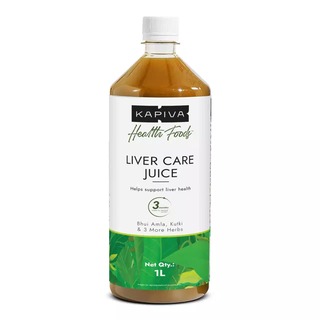
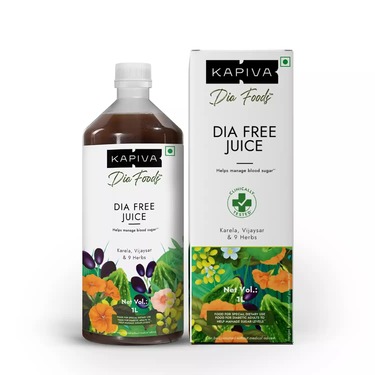
Kapiva is an Indian Ayurveda-focused store for shoppers building wellness, nutrition and personal care routines. Its catalogue spans herbal supplements and blends alongside everyday food products and topical care. Shoppers can browse by interests including gym and fitness, energy, heart health, women's health, kids nutrition, daily Ayurveda, skin and hair, and other wellness concerns.
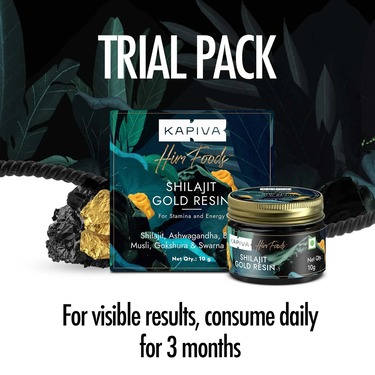
The range includes capsules, powders, gummies, herbal resins and juices, as well as ghee, cooking ingredients, apple cider vinegar, hair oils, face wash and aloe gel. Compare the precise format before judging prices, since a juice, capsule and powder can serve very different use cases even when they feature a similar herb. Pack weight, number of servings, ingredient concentration and the contents of a combo are key details for matching the same Kapiva item across listings. Kapiva also directs shoppers to its app, so check app and website bundles separately rather than assuming that the same configuration is listed in both places.
Cashback for a Kapiva purchase is tracked separately from the product price displayed by the store. Start from PriceDecode and complete the order in the resulting Kapiva shopping session so the purchase can be recorded for cashback. Final eligibility is decided through the tracking and validation process under the Kapiva cashback terms shown on this page. Refer to the tracking and confirmation times displayed here for the current status information.
Before ordering, confirm the exact product name, form, quantity and selected variant on Kapiva. For a combo, inspect the listed contents instead of comparing it only with the price of an individual item. Review ingredient information and usage directions where relevant, particularly for supplements and food items. Check the checkout page for the final price attached to your chosen configuration, as this is the amount to compare against other Kapiva listings.
PriceDecode shows Kapiva's listed prices as captured from the retailer site and highlights app versus website differences when available. Use the PriceDecode listing to jump to the exact Kapiva product page, then check the item's weight, form and bundle details to ensure you are comparing the same SKU. PriceDecode's listed price is a reference and you should confirm the final checkout amount on Kapiva before paying.
Checkout totals can differ because shipping charges, taxes and the product configuration selected at checkout may change the final amount. App listings, loyalty redemptions or bundle selections on Kapiva can also alter the price you see during payment. Always confirm the exact SKU, any selected add-ons and the delivery address on Kapiva before completing payment to understand the true checkout price.
Open the Kapiva product page linked from PriceDecode and check the product title, size or weight, variant selection and the ingredient list. Look at product images, the listed bundle contents and any usage or serving instructions. If a product is sold in combo packs check each item in the bundle so you match the correct configuration across sellers before you place the order.
Kapiva has return and replacement procedures for damaged or incorrect deliveries and specific conditions for consumables. Returns typically require the original packaging, batch details and proof of purchase, and you must follow the retailer's return process to initiate a claim. Review Kapiva's cancellation and returns page for the precise steps and eligibility before you place an order.
To earn cashback you must start your shopping session from PriceDecode and complete the purchase on Kapiva without breaking that tracked visit. Be signed into your PriceDecode account before you click through and avoid actions that interrupt tracking, such as switching browsers or using tracking-blocking extensions. Cashback is recorded and reported separately from Kapiva's displayed price and will appear in your PriceDecode account according to the site's tracking rules.
Free forever. Compare store prices and earn cashback on top.
Already have an account?